Report Lab 01 - Windows Desktop Shortcuts & File Management môn Vật lý đại cương 2 | Học viện Công Nghệ Bưu Chính Viễn Thông
Report Lab 01 - Windows Desktop Shortcuts & File Managementmôn Vật lý đại cương 2 | Học viện Công Nghệ Bưu Chính Viễn Thông. Tài liệu giúp bạn tham khảo, ôn tập và đạt kết quả cao. Mời đọc đón xem!
Môn: Vật lý đại cương 2 298 tài liệu
Trường: Học viện Công Nghệ Bưu Chính Viễn Thông 1.7 K tài liệu
Tác giả:






Preview text:
Report Lab 01
Name: Nguyễn Khánh Huy Student ID: 202412994 Class: EE-E8 02 I/MS WINDOWS The desktop Create shortcuts :
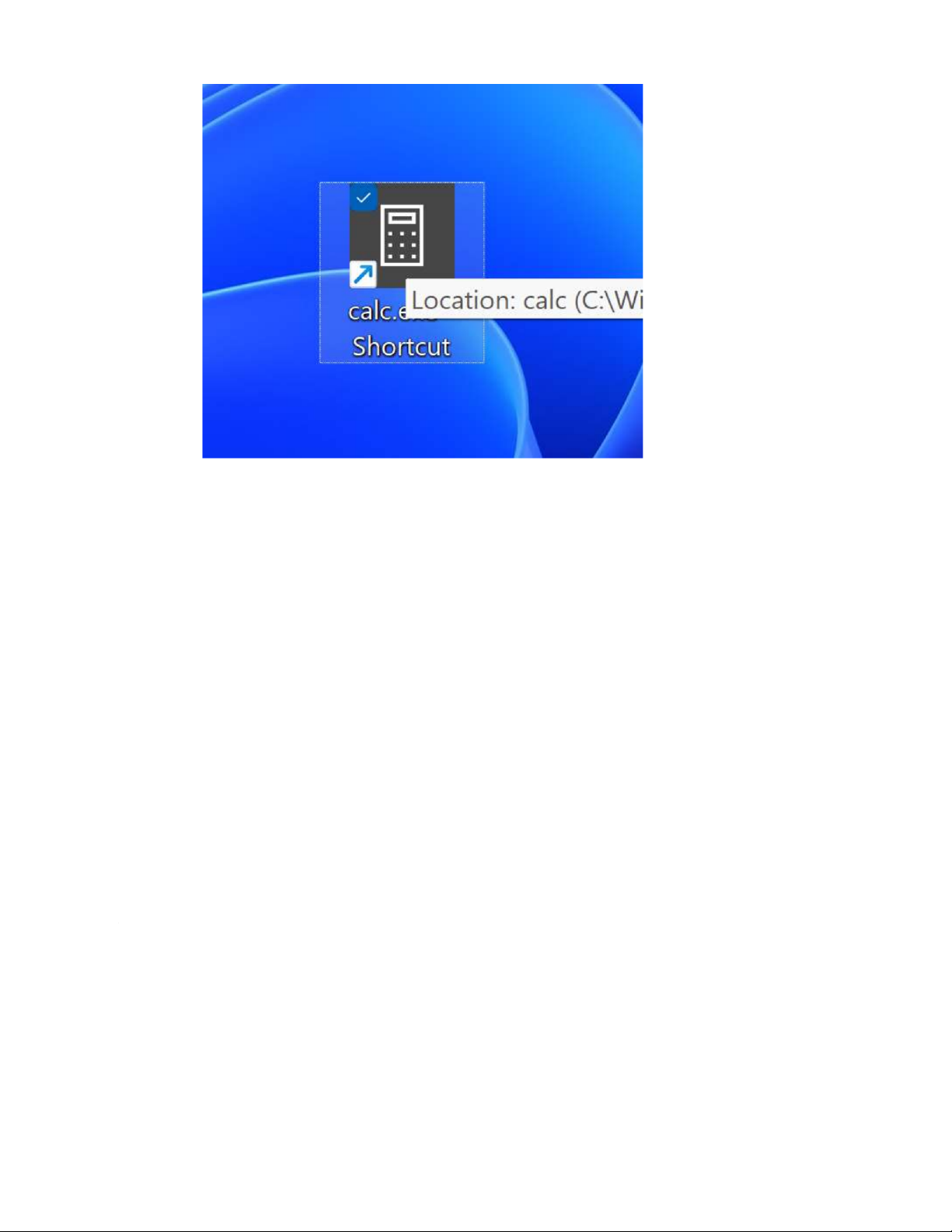
-Step 1 : right click on calc.exe and click on create shortcut.
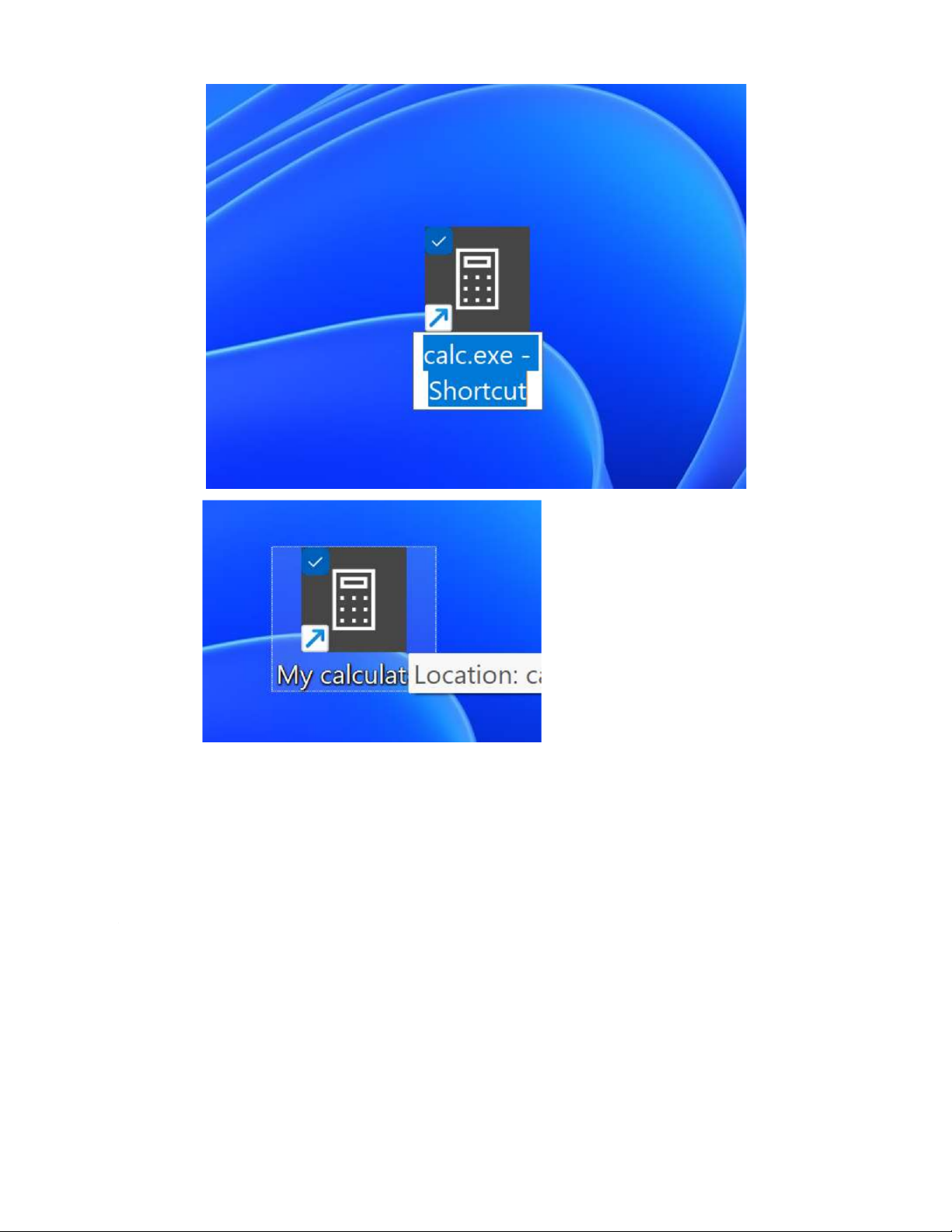
-Step 2: right click on shortcut have just been created, click Rename , then change name. Adujust time:
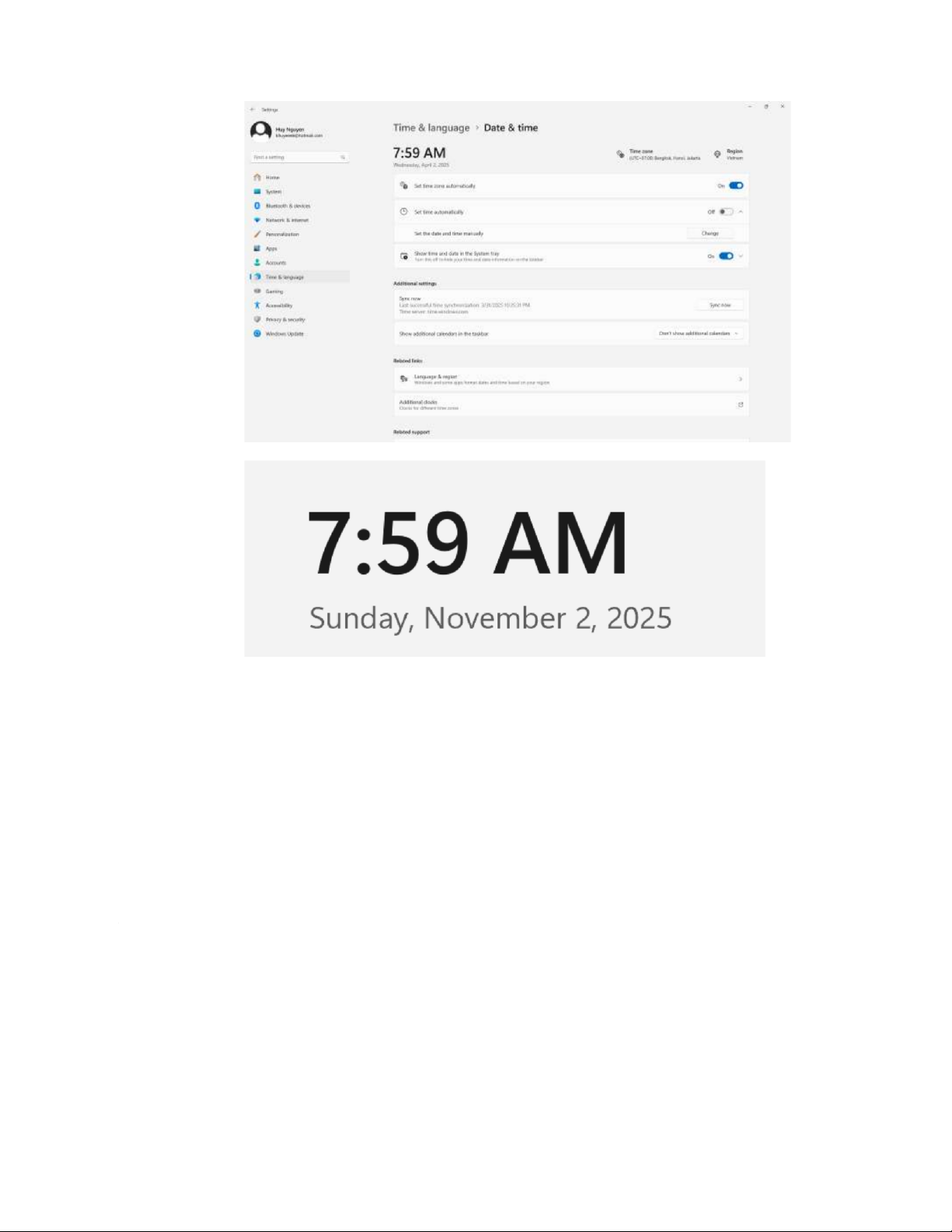
- Change the time of your clock to the actual time :
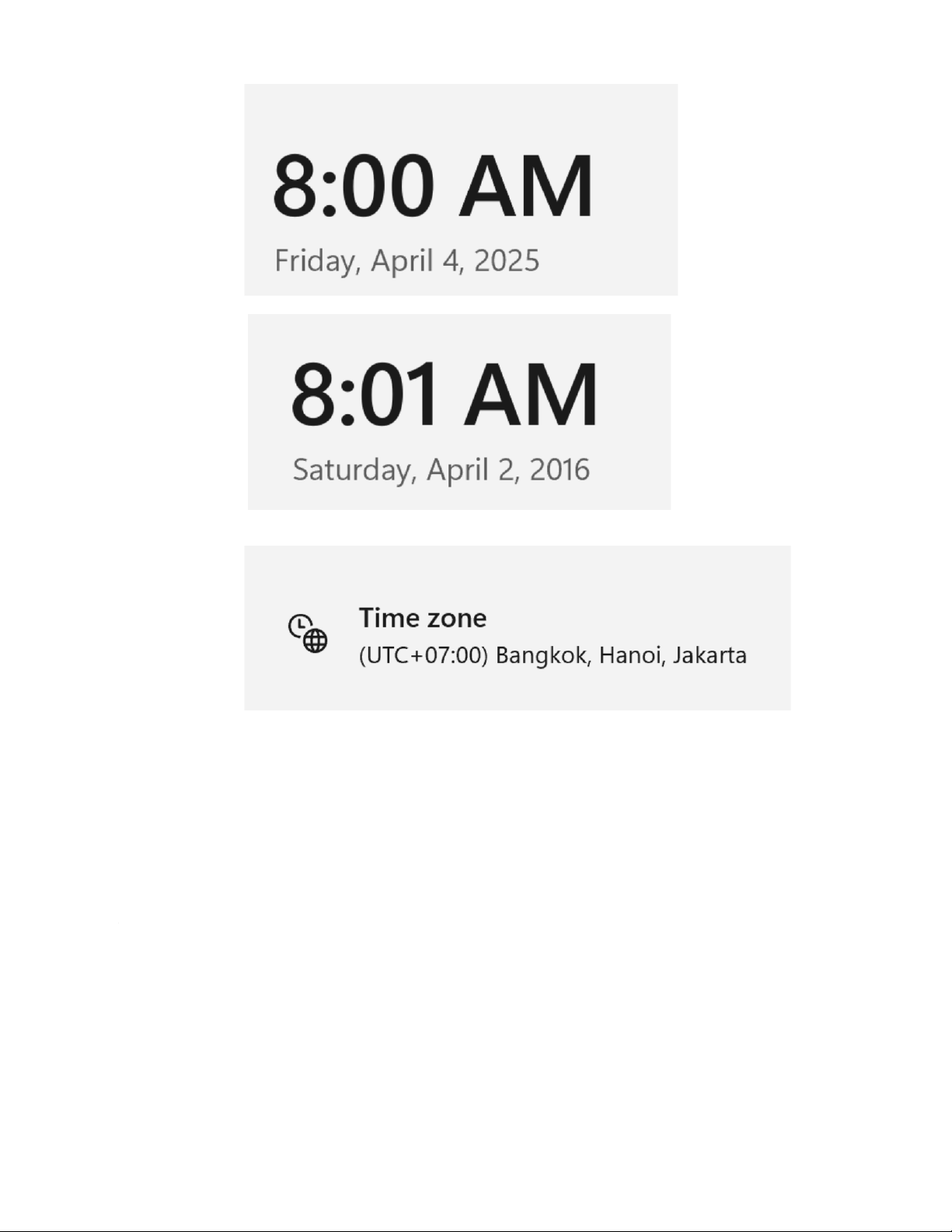
- Change the month to November: - Change the day to 4 : - Change the year to 2016:
- Select as time zoce the one for Hanoi:
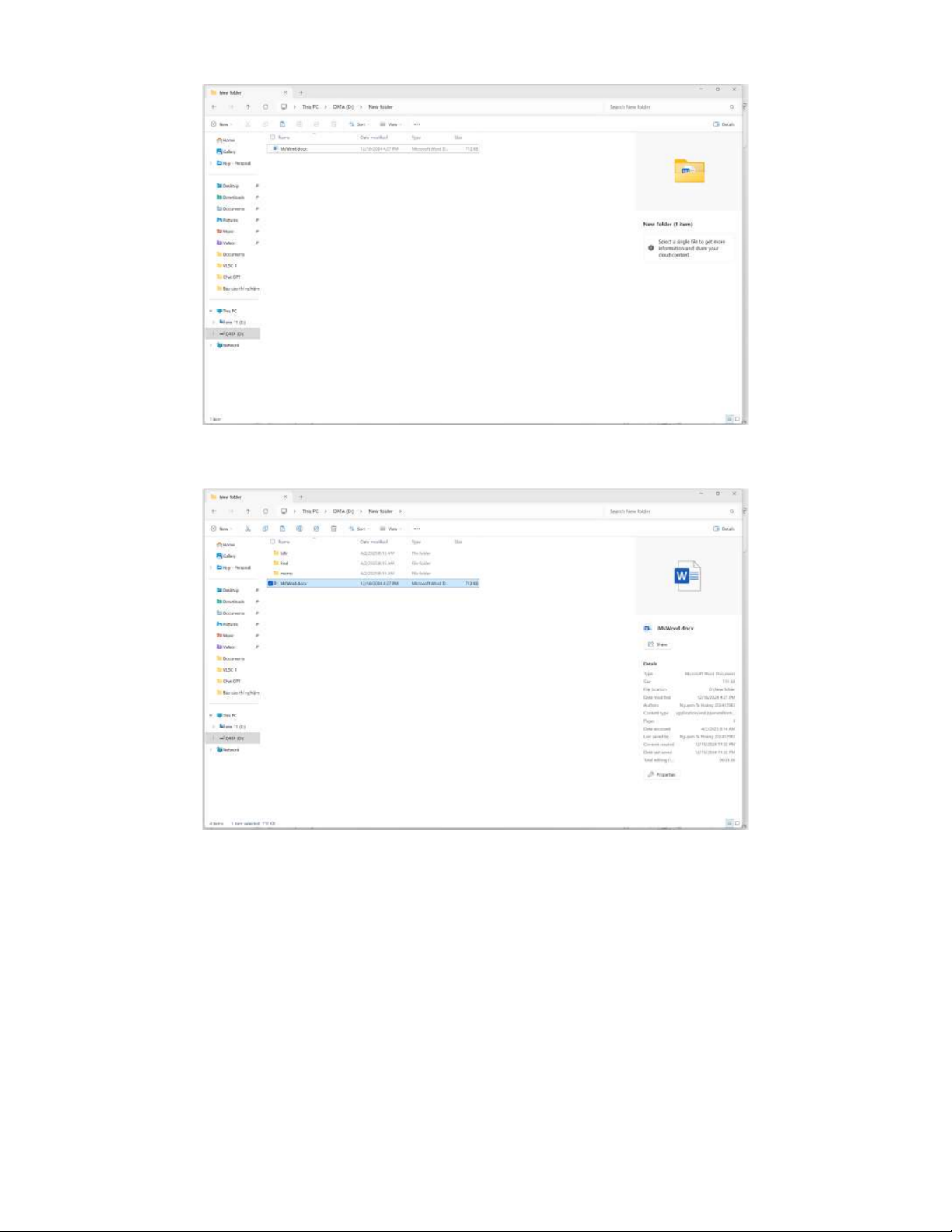
Using The Windows Explorer: Create a folder structure:
- Create a new file using MsWord. Save the file to a given folder.
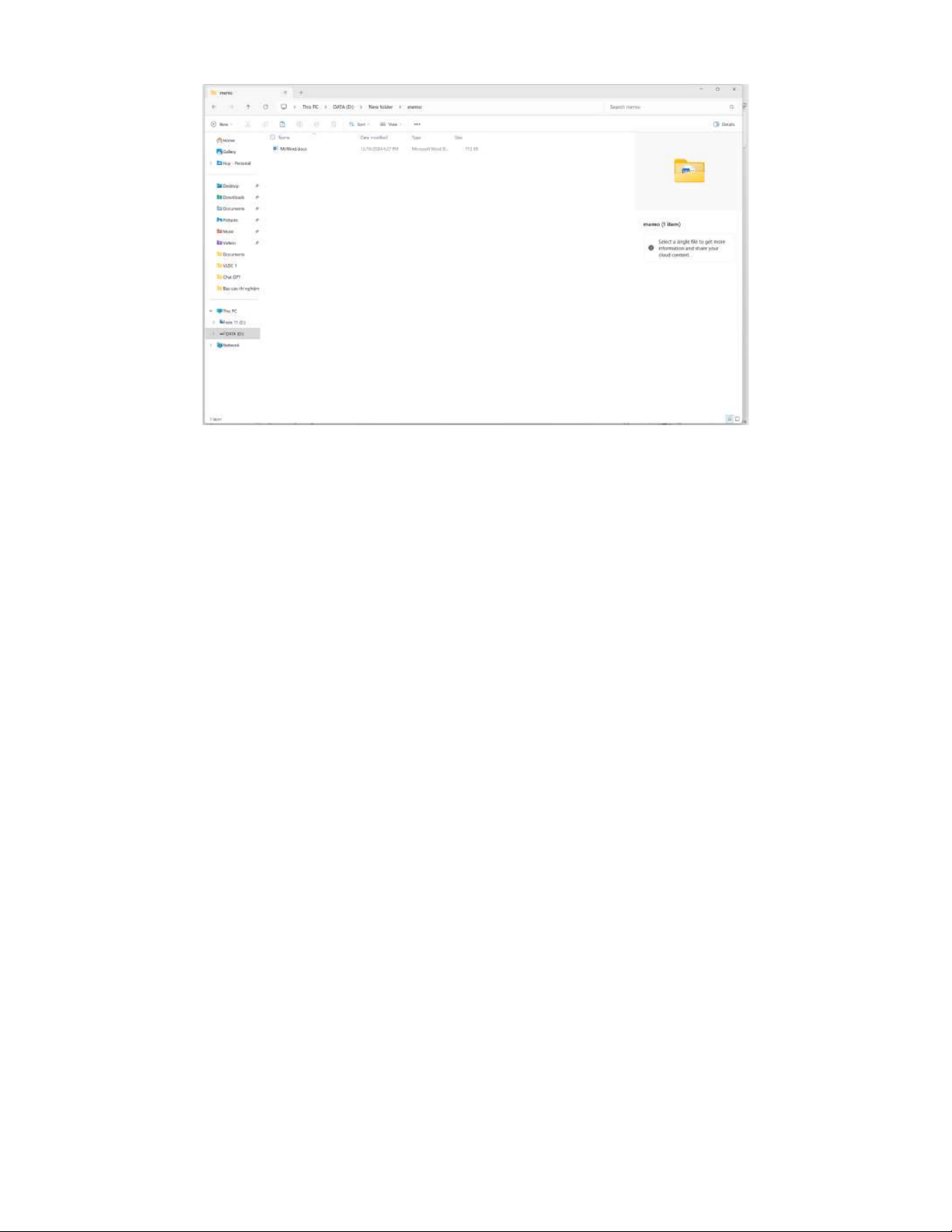
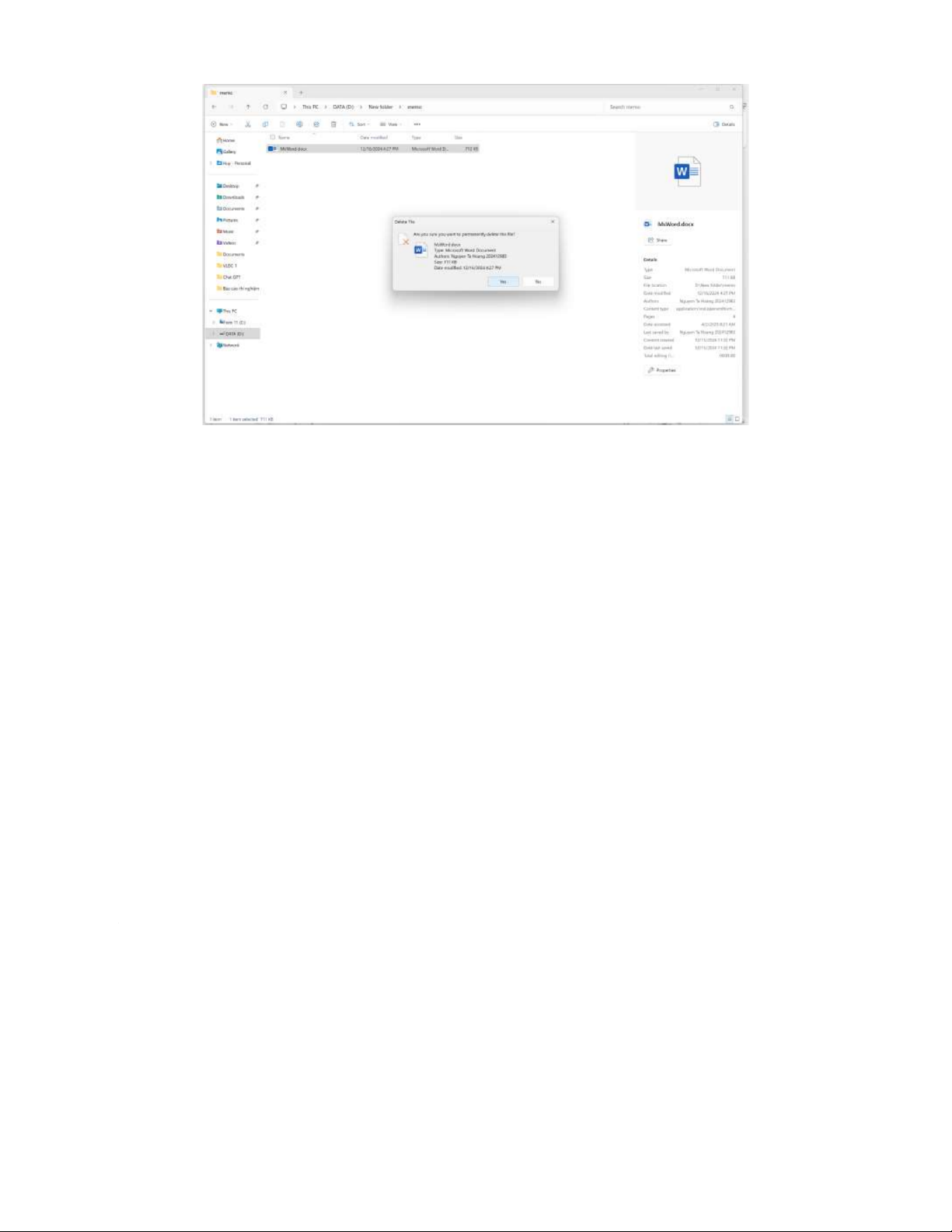
-Copy and Move folders or files - Delethe the folder: - Delete the files:
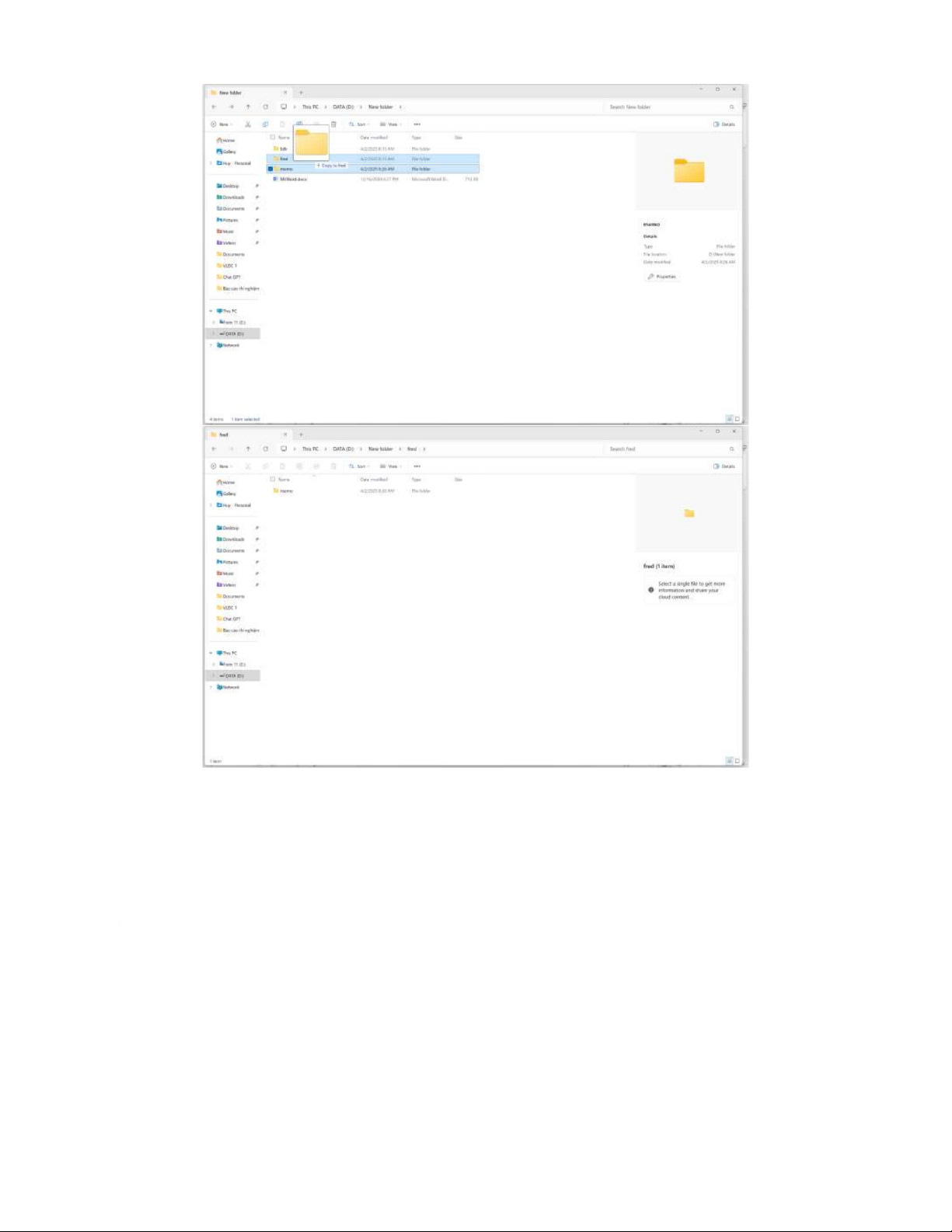
- Copy the document memo to folder fred
- Move the entire folder fred to the billr
- Having several copies of a file in a folder The Search :
- Searching for the last file created:
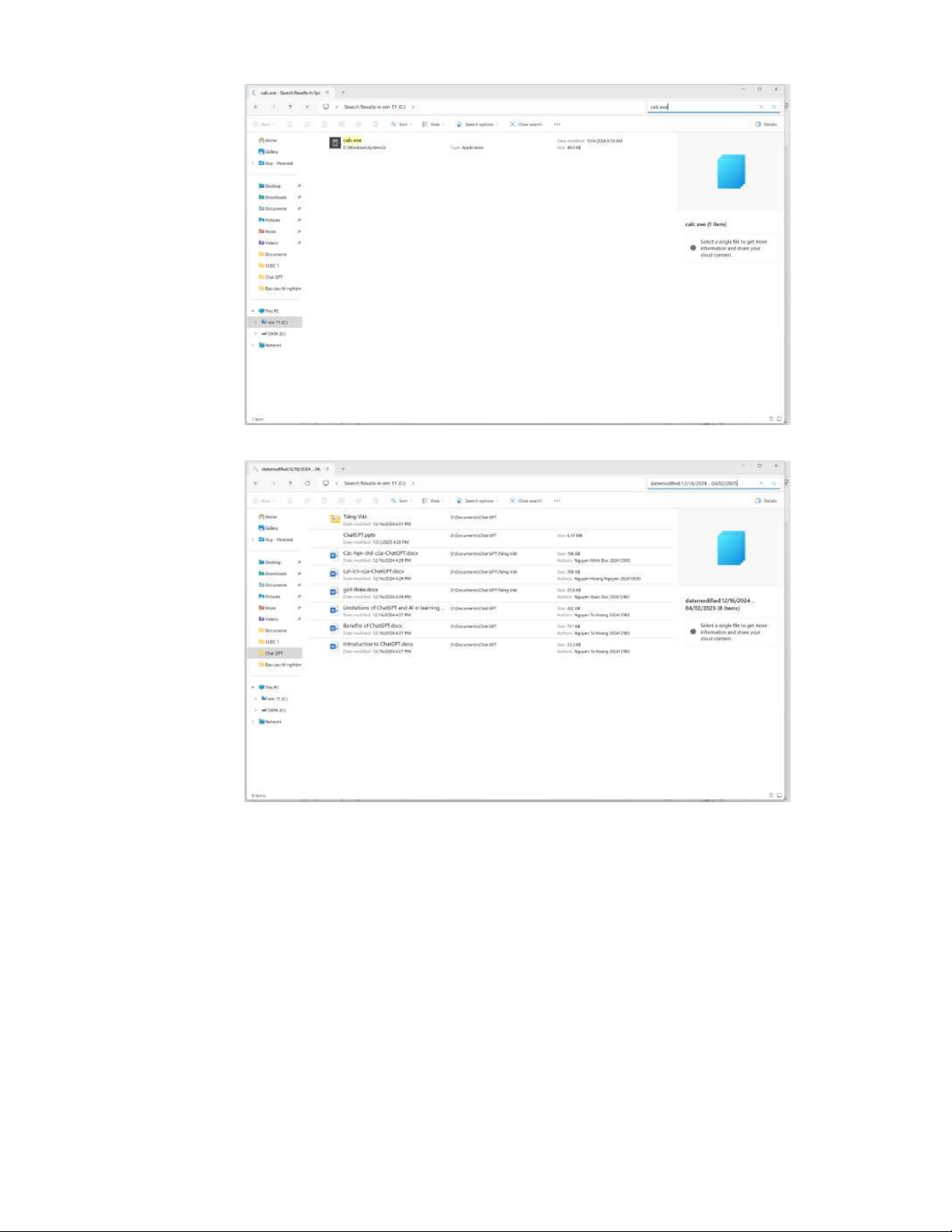
- Searching for the file calc.exe in drive C
- Searching the files modified between two given days, for example ,12/16/2024 and 02/04/2025:
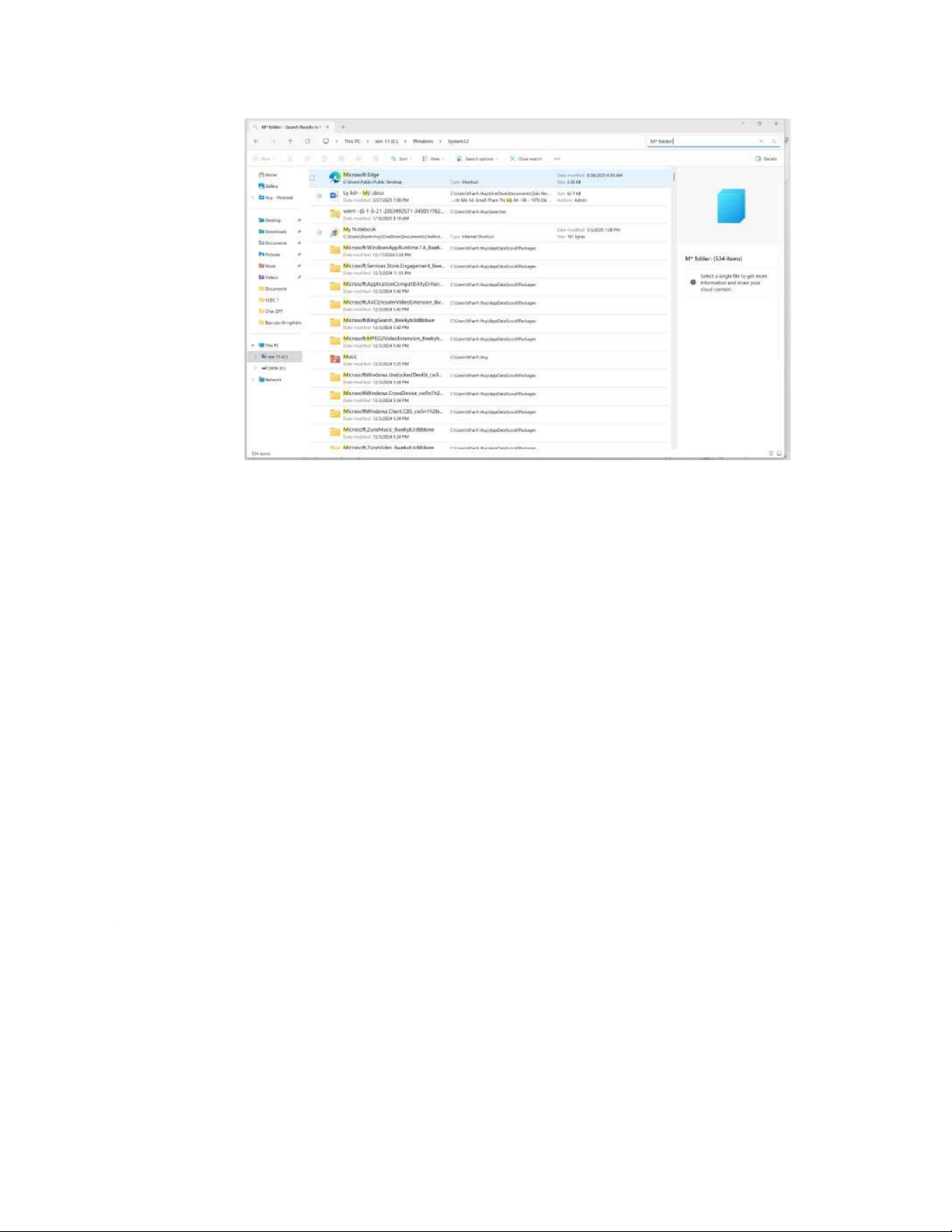
- Searching foles or folders that start with M, but only in the folder users, not in subfolders: The Recycle Bin :
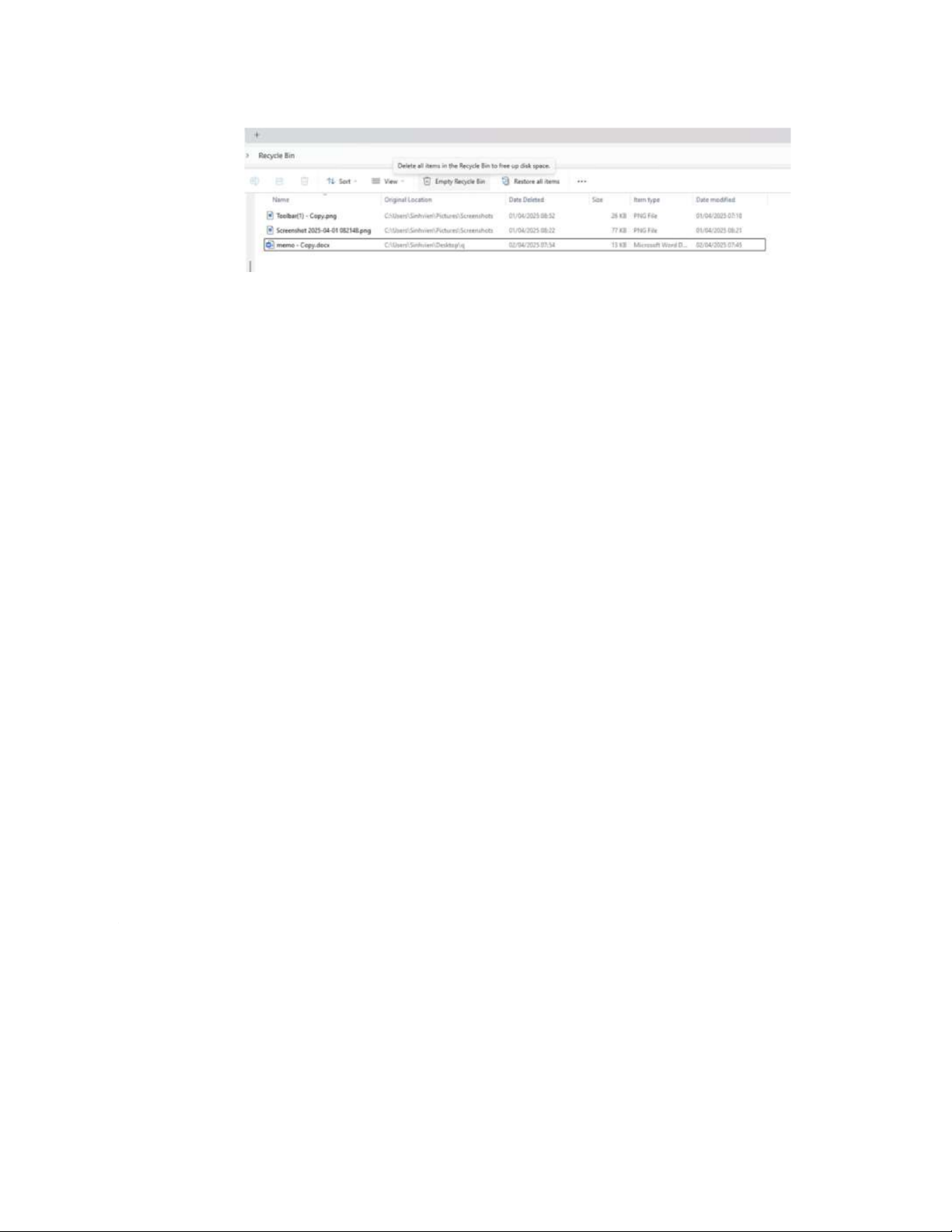
- Deleting element in the Recycle
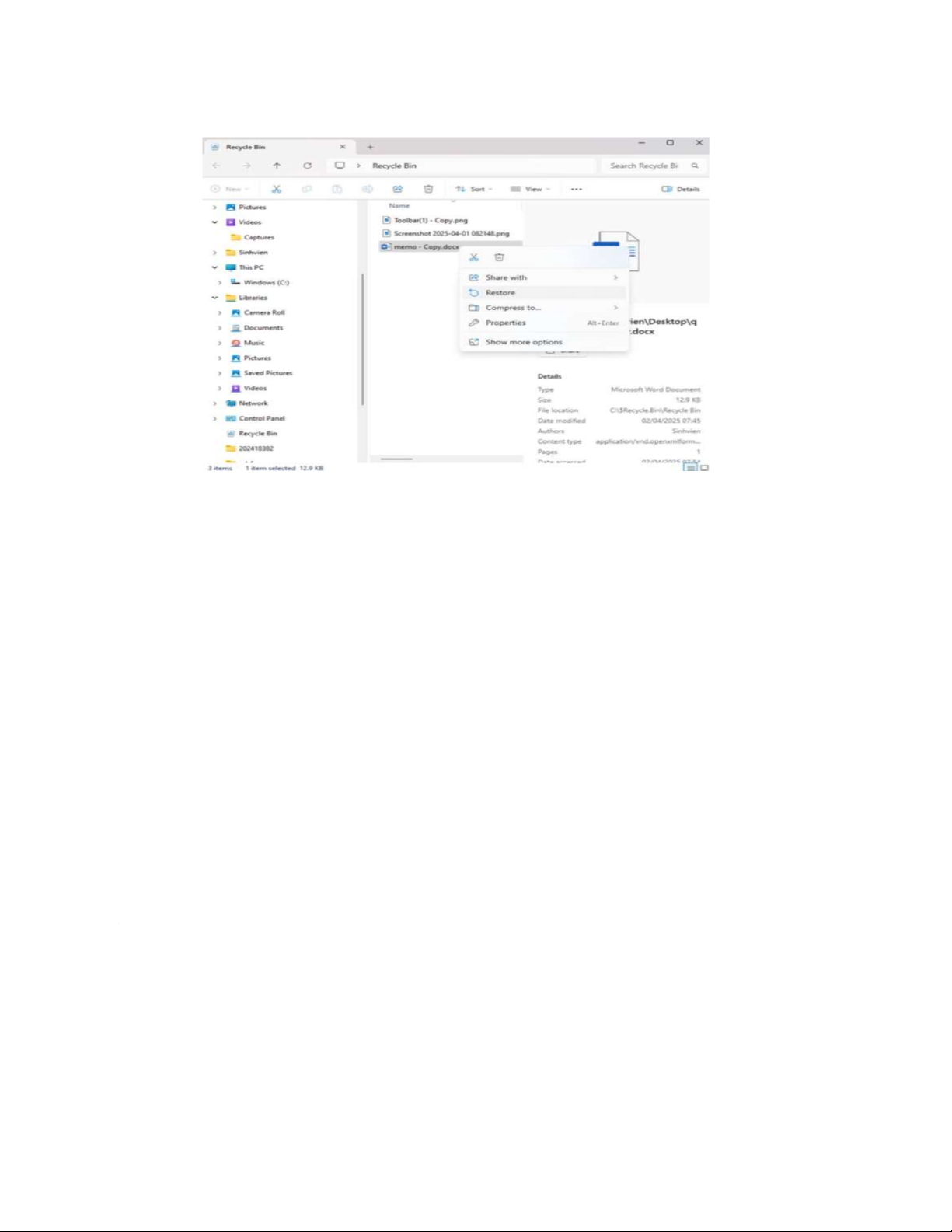
- Restore element in the Recycle Bin
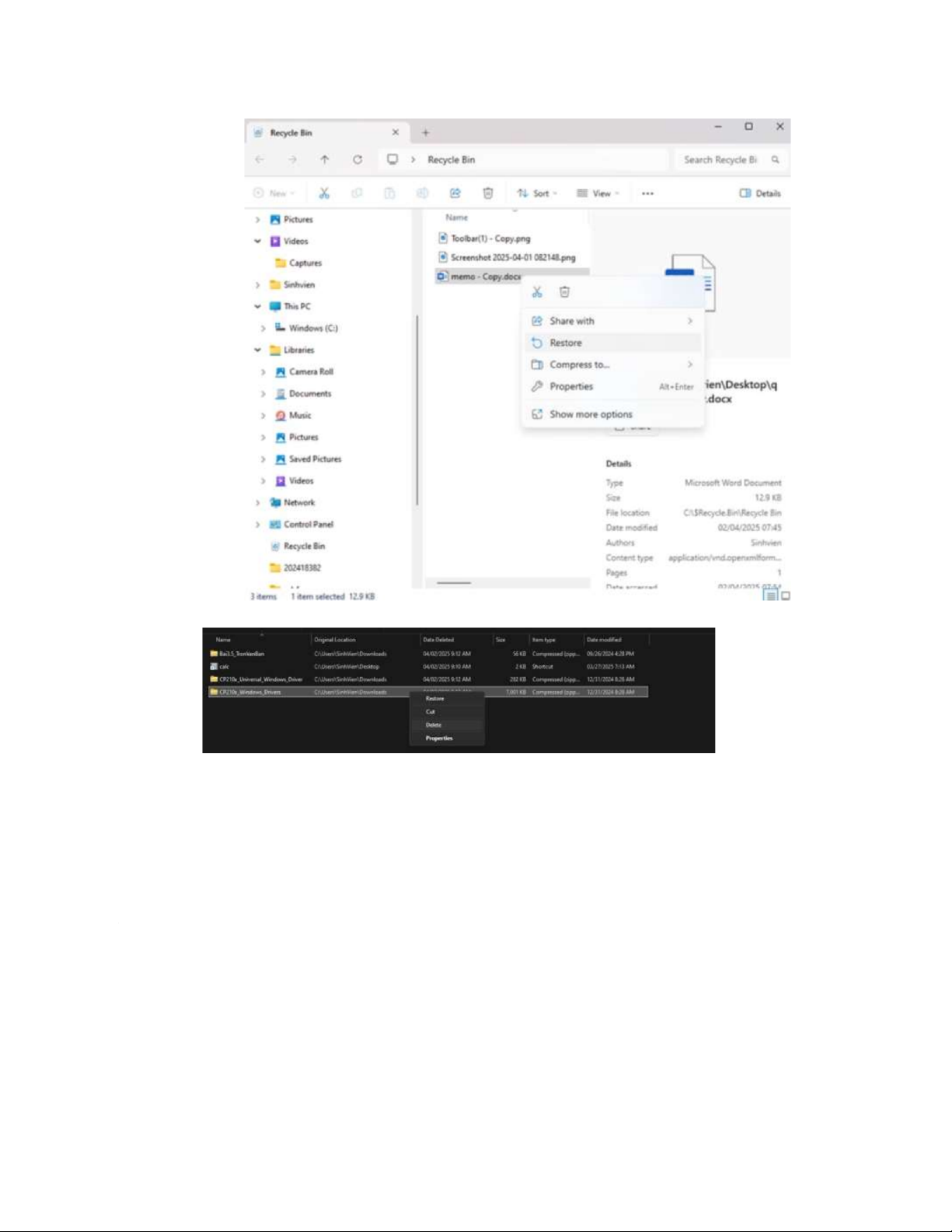
- Dele folders from the Recycle Bin - Empty the Recycle Bin
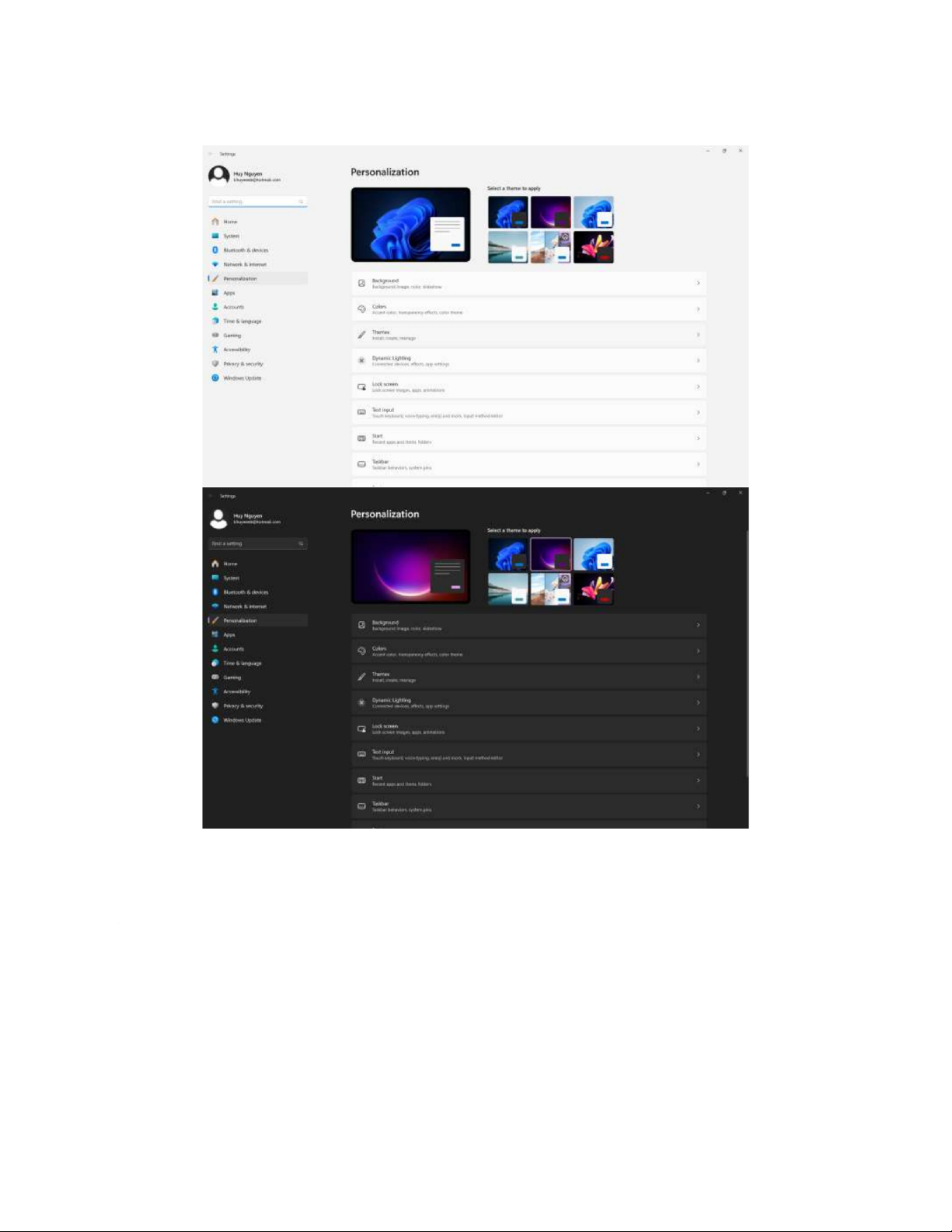
Configuring the Screen.
- Change the wallpaper to an image you have in your computer: - Screensaver : - Configuration:
Tài liệu liên quan:
-
Bài tập Vật lý nguyên tử môn Vật lý đại cương 2 | Học viện Công Nghệ Bưu Chính Viễn Thông
11 6 -
Bài tập Vật lý nguyên tử môn Vật lý đại cương 2 | Học viện Công Nghệ Bưu Chính Viễn Thông
12 6 -

Tán xạ ánh sáng và Hiệu ứng Tyndall - Lý thuyết và Ứng dụng môn Vật lý đại cương 2 | Học viện Công Nghệ Bưu Chính Viễn Thông
20 10 -

Chương 23: Quang học lượng tử môn Vật lý đại cương 2 | Học viện Công Nghệ Bưu Chính Viễn Thông
18 9 -

Chương 24: Cơ Học Lượng Tử - Tính Sóng-Hạt và Phương Trình Schrödinger môn Vật lý đại cương 2 | Học viện Công Nghệ Bưu Chính Viễn Thông
19 10